One Pager Layout Ideas
Eight printable layouts with borders for classroom one-pagers, plus a project sheet with a grading rubric. Free PDFs, no sign-up.
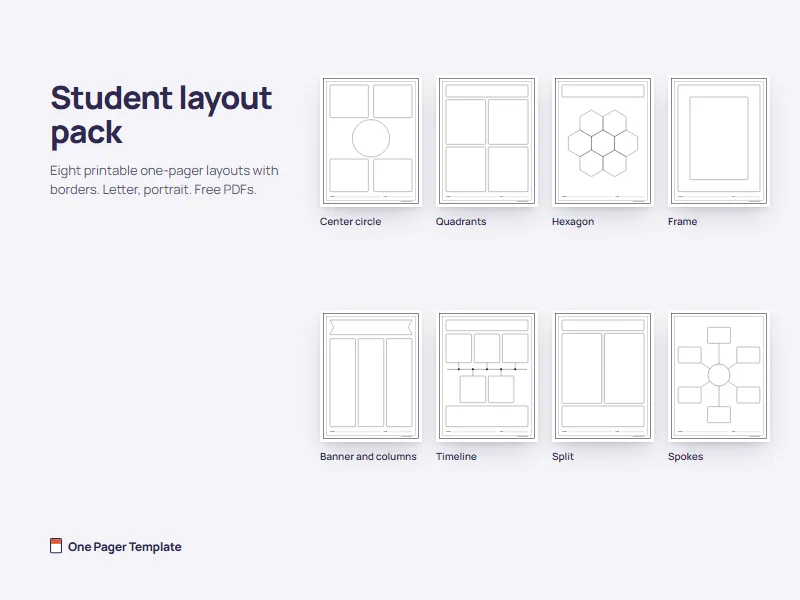
Student layout pack
Eight layouts drawn in black line art with a border, US Letter, portrait. Print one per student, or a mix for the class.
Download all 8 (PDF)One PDF of 8 pages, 52 KB. Each layout is also a separate PDF below.
-
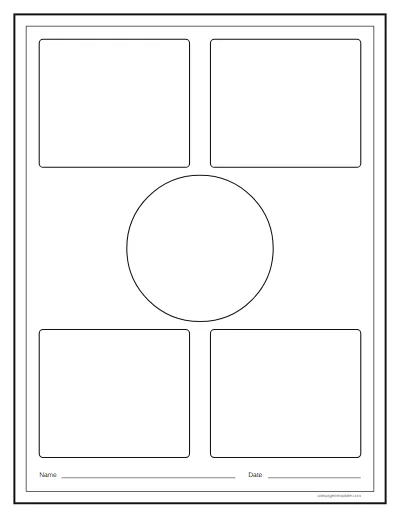 Center circle Download PDF: Center circle layout 20 KB
-
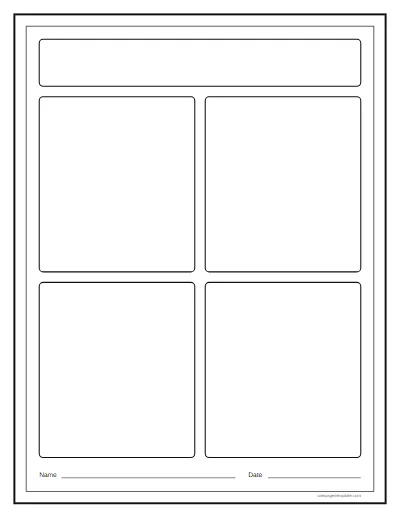 Quadrants Download PDF: Quadrants layout 17 KB
-
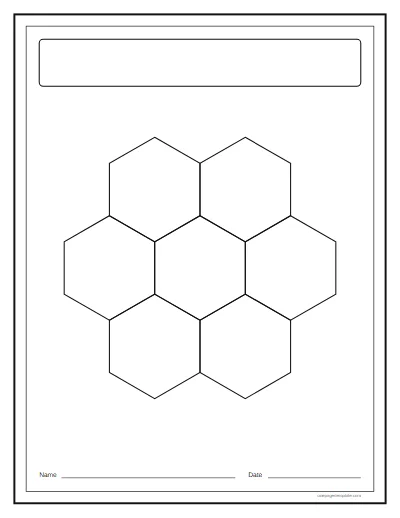 Hexagon Download PDF: Hexagon layout 16 KB
-
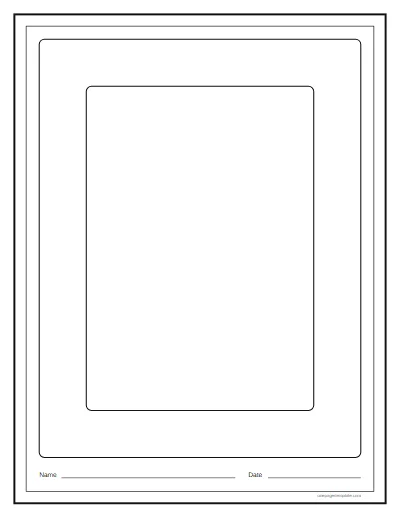 Frame Download PDF: Frame layout 16 KB
-
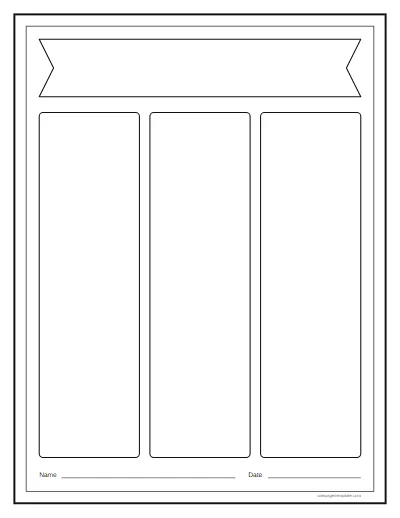 Banner and columns Download PDF: Banner and columns layout 17 KB
-
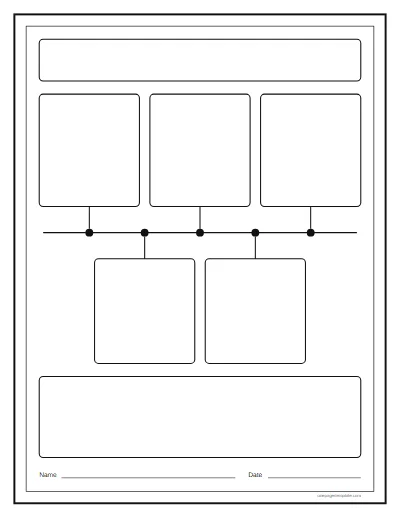 Timeline Download PDF: Timeline layout 21 KB
-
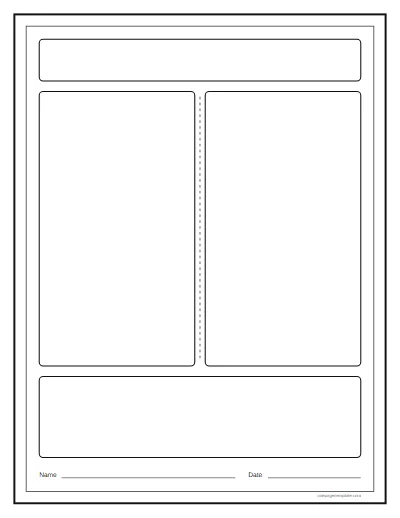 Split Download PDF: Split layout 17 KB
-
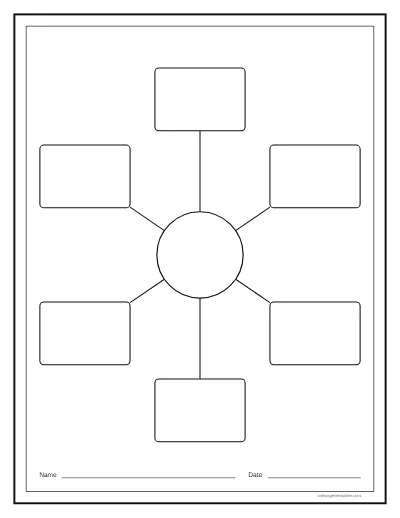 Spokes Download PDF: Spokes layout 21 KB
Which layout fits which assignment
Match the shape of the page to the shape of the thinking. A task that builds to one big idea wants a center; a task about order wants a line; a comparison wants two halves.
| Layout | Best for | What goes in each space |
|---|---|---|
| Center circle | A single big idea, a character study or a theme | Center: the main image or symbol. Boxes: a quote, a second quote, the theme, a connection. |
| Quadrants | A first one-pager, or any task with four required parts | Band: the title. Boxes: quotes, a symbol, the theme, a connection. |
| Hexagon | A topic with several related parts, such as an ecosystem | Center: the topic. Outer hexagons: one part or idea each. |
| Frame | Confident students, poetry, or a single image with quotes | Border: quotes or key words. Center: an image and the analysis. |
| Banner and columns | Three themes, three characters or three causes | Banner: the title. Columns: one idea each, with a quote and a sentence of analysis. |
| Timeline | A novel's plot, a historical period or the steps of a process | Boxes: one event each, in order. Bottom space: what the sequence shows. |
| Split | Two characters, two sides of a debate or two kinds of cells | Each half: one side, with facts or quotes. Bottom band: what they share. |
| Spokes | A process or a cycle, such as the water cycle | Center: the topic. Boxes: one stage, fact or example each. |
How to assign a one-pager layout (for teachers)
- Print at 100 percent. One sheet per student, plus a few spares for fresh starts.
- Show a finished one. Fill a layout yourself, or show a past student's page with permission, so the class sees how full a good page gets.
- Hand out the required elements. Tell students which box holds what, or let them decide and explain why.
- Choose or assign the layout. Give a class its first one-pager on Quadrants; let confident students pick Frame or Hexagon.
- Allow one or two class periods. Planning in pencil first saves erasing later.
- Put them on the wall. A gallery walk turns a class set of pages into a review of the whole unit.
For topics to set, by subject, see the one pager ideas.
Border ideas
Each layout has a double outline around the page, with a narrow band between the two lines and a margin around the boxes. Treat that space as part of the assignment, not trim:
- A quote around the edge. One key line from the text, written small and continuous until it meets itself.
- A repeated theme word. The one word that sums the work up, over and over, in the student's best lettering.
- A chain of small symbols. Tiny icons for the motifs of a novel or the steps of a process, linked like beads.
- A timeline border. Dates or plot points running clockwise from the top left corner.
- Colors with meaning. One color per character, theme or side of an argument, with a key in a corner.
Ask students to finish the border last, once the center is done and they know what deserves the edge.
The project sheet and rubric
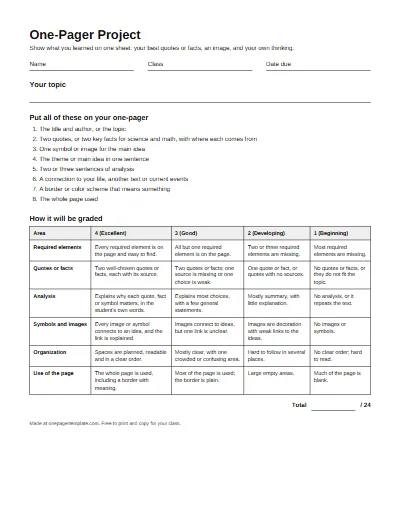
One page to hand out with any layout: the required elements as a checklist, a line for the student's name and the date, and a four-level rubric with six rows. The rubric matches the one explained on the ideas page, so students and parents see exactly how the work is graded.
Layouts for business one-pagers
For business readers
A business one-pager uses a different set of layouts: classic column, two column, hero band, card grid, sidebar and minimal, each built for typed text and one brand color rather than drawing. Here for work? The one pager template lays out a business one-pager in any of them from your own words. Each layout, with the rule for when to use it, is in one pager design.
Questions
What is the best layout for a one pager?
The one that matches the task. A center circle or spokes layout suits a single big idea with supporting details, quadrants suit four required elements, a timeline suits events in order, and a split page suits compare and contrast. For a first one-pager, quadrants are the easiest to explain.
Should a one pager be portrait or landscape?
Portrait is the usual choice, because it matches notebook paper, fits a bulletin board neatly and keeps the reading order top to bottom. Landscape works for timelines and compare-and-contrast pages that run left to right. All eight layouts here are portrait so a class set displays evenly.
How many sections should a one pager layout have?
Four to six boxes is plenty for most assignments: enough for a title, two quotes or facts, a symbol, analysis and a connection. More boxes means less room in each, so give younger students four large spaces. Leave the border free for key words or a repeated quote.
Can I print these layouts in black and white?
Yes. Every layout is drawn in black lines on white, so it prints cleanly on any printer and photocopies well for a class set. Students add color themselves, which is part of the assignment. Print at 100 percent scale, or choose fit to page if your printer trims the edges.
What size paper do these layouts print on?
They are made for US Letter paper, 8.5 by 11 inches, portrait. On A4 paper, choose fit to page in the print dialog and the layout scales slightly with nothing cut off. Each layout is a separate PDF, and one combined PDF holds all eight for printing a mixed class set.
What are good one pager border ideas?
Use the border to carry meaning: write a key quote around the edge, repeat a word that sums up the theme, draw a chain of small symbols, or turn it into a timeline of events. Colors can code ideas, such as one color per character. Students should finish the border last, once the center is done.
Can students fill these layouts on a computer?
The layouts are PDFs made for printing and filling by hand. Some PDF readers let students type or draw on a PDF, which works for remote lessons. For a fully digital one-pager, the blank one pager template page has Word and PowerPoint files that students can open in Google Docs or Slides.